Goals
A daily target that's actually yours.
Enter your height, weight and pace once. SnapCal calculates a daily calorie goal and shows how much is left after every meal.
560
kcal left
1,240 / 1,800 kcal
AI calorie counter
Point your camera at any meal. SnapCal recognizes each food, pins its calories right on the photo, and logs carbs, protein and fat for you.
Free to download · 3 AI uses a day · Premium optional
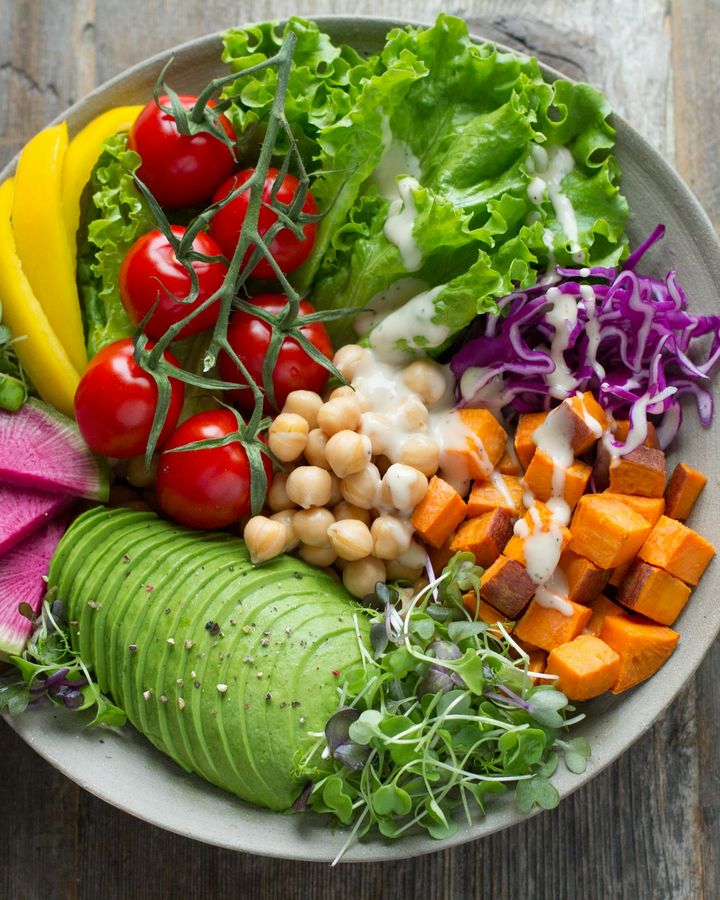
Total
433kcal
SnapCal is an AI calorie counter app for iPhone and Android: take a photo of a meal and it estimates the calories, carbs, protein and fat of every food on the plate. The same app tracks intermittent fasting, checks grocery products against your diet, reminds you to take medicines and supplements, and logs water and habits, in 25 languages.
Try it now
Upload a food photo and see what SnapCal finds — no install needed. Start your real log in the app.
The web demo works a little differently from the app. Your photo is analyzed and not stored.
How it works
Take a photo or pick one from your gallery. No barcodes, no kitchen scale.
AI finds every food on the plate and pins its calories on the photo.
Adjust a portion or add a missing dish, then save it to your day.
Beyond the photo
Take a photo or pick one from your gallery. The AI recognizes each food, estimates the portion and shows calories, carbs, protein and fat per item and for the whole meal.
Ate something you didn't photograph? Describe it in a sentence or by voice.
Eating out? Photograph the menu and see estimated calories before you order.
Search the food database with a country filter, or add a food and its calories by hand.
Save meals you eat often as favorites and log them again in a tap. Recipes you get from AI or your fridge are kept in My recipes.
A grid of picks for the calories and protein you have left, with recently eaten and popular dishes, a fridge recipe or a menu scan.
Snap your fridge and get recipes that fit your calorie target.
About 200 free recipes in your language that never use AI credits, with picks for your diet method, plus a recipe for any dish you ate and links to order the ingredients.
Balanced, high protein, low carb, keto, Mediterranean, blood sugar friendly or 16:8 fasting. Pick one and SnapCal sets your macro targets and daily meal checks.
In the store, scan a barcode or a product label and get Good fit, Go easy or Better avoid for your diet. Barcode logs save the product photo from Open Food Facts. Add items to a basket that totals calories and macros, with buy links to Coupang, Amazon or AliExpress.
Put a product back on the shelf and its calories go into your jar, kept separate from what you ate. Share what you skipped this month.
Set your allergies, conditions and diet once. Every meal is checked against them, and a daily health check reviews what you ate today.
12:12 to OMAD or your own length, routines on the days you choose, fasting stages, streaks, success rate and a calendar. Meals logged during a fast are flagged.
Dose reminders by day and time; tap Taken right from the notification. AI reads supplement labels, refill alerts warn you before you run out, and a dose history keeps every dose.
Log water and your own habits with check times, and look back on any day in the habit history.
Log your weight and take body progress photos, then compare before and after with a slider and an optional AI summary of the change.
Log your period and see the current phase. Weight notes explain cycle-related water retention so a temporary jump doesn't derail you. Off by default and kept on your phone.
Keep a daily diary with photos, notes, mood and tags next to your meals. Browse by day, month or tag, see medication journal events, and add diary pages to PDF exports. Also on the web dashboard.
Ask the AI coach about your meals and get answers based on your own log. Every week it writes a short report on calories, macros, fasting and habits with one thing to try next.
Each morning SnapCal picks a few missions from yesterday's log, like three meals or eight glasses of water. Fill them with stamps, keep a daily diet score and collect 80 badges as habits stick.
Kali, SnapCal's flame mascot, sits on your calorie ring and fasting timer, changes pose with your day and cheers you on when you hit a goal or a fasting milestone. Tap Kali for a quick word.
Every meal on a timeline with a week and month calendar, an all-days view and sharing as an image.
Stats and reports you can share as a PDF or an image, plus blog export of a day's meals.
Keep a daily logging streak, celebrate milestones and share your streak card.
See calories left, your week, a live fasting timer and today's meds right on your home screen, on iPhone and Android.
Pick from 10 handwritten diary styles to dress up a meal photo, then share it.
On the same Wi-Fi, open your meal log in a computer browser to view or export it, protected by a password.
Premium: let AI assistants such as Claude Code, Claude Desktop, Codex, Gemini CLI or Cursor read your SnapCal records over MCP on your Wi-Fi, with a revocable token and an access log. Read-only, and only after you turn it on and agree.
On iPad and Android tablets, a wide layout puts your log, charts and recipes side by side.
Start free with 3 AI uses a day. Premium removes the daily limit and ads, monthly or yearly, with a 7-day free trial.
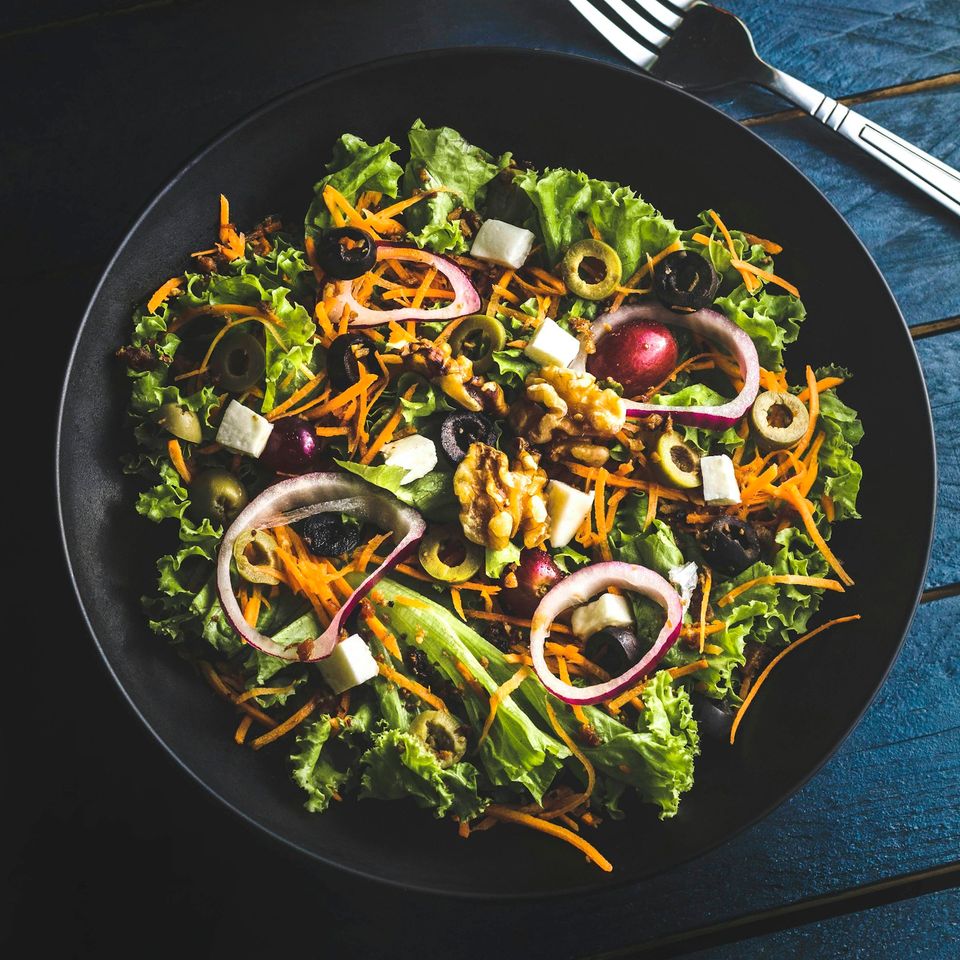
Nutrition
Every food comes with carbs, protein and fat, totaled for the meal and for your day, so you can see what's actually on your plate.
Goals
Enter your height, weight and pace once. SnapCal calculates a daily calorie goal and shows how much is left after every meal.
560
kcal left
1,240 / 1,800 kcal
Share
Turn any meal into a share card with calorie labels in your own colors, ready for Instagram or a group chat.
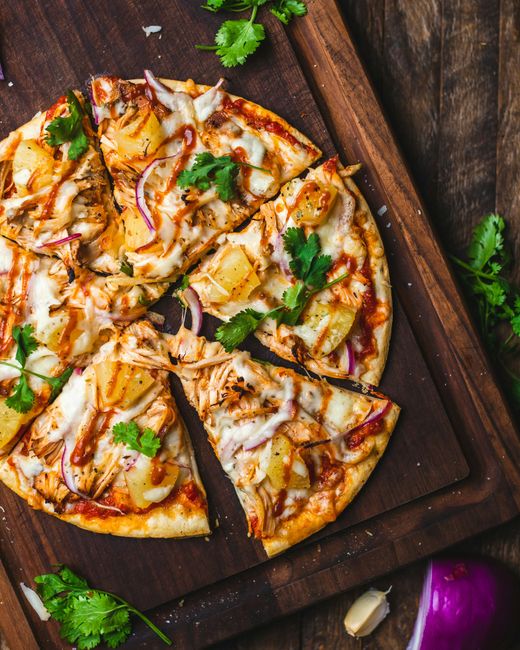
 SnapCal 285 kcal
From Korean to Arabic, menus, results and food names follow your language.
Meals are stored on your device. Photos are sent only for analysis and aren't kept on our servers.
Privacy PolicySnapCal is an AI calorie counter app for iPhone and Android, made by Mint-Soft. You take a photo of a meal and it estimates the calories, carbs, protein and fat of each food. It also includes an intermittent fasting timer, a grocery barcode diet check, medicine and supplement reminders, and water and habit tracking, in 25 languages.
Yes. Take or pick a photo of your meal, and SnapCal's AI recognizes each food on the plate, pins its estimated calories on the photo and logs carbs, protein and fat. You can adjust portions or add a missing dish before saving. If you didn't take a photo, you can type or say what you ate instead.
Yes. SnapCal is free to download and includes 3 AI uses a day. Premium, a monthly or yearly subscription with a 7-day free trial, gives you unlimited AI analysis and removes ads. You can cancel anytime in your App Store or Google Play subscription settings.
They are AI estimates: good for everyday tracking, but not exact. Accuracy depends on how clearly the food and portion are visible, so check the portion and edit it if needed. SnapCal is not a medical device; for precise dietary management, consult a dietitian.
SnapCal has a built-in intermittent fasting timer with plans from 12:12 and 14:10 to 16:8, 18:6, 20:4 and one meal a day (OMAD), plus custom lengths. You can set a daily fasting routine, get notified when your eating window ends and when you reach your goal, and see your streak, stats and a fasting calendar.
Yes. In grocery check, scan a product's barcode or photograph its label, and SnapCal compares its nutrition facts with your diet method, such as keto, and your allergies. You get a fit, caution or avoid verdict. Barcode data comes from Open Food Facts; reading a label photo uses one of your daily AI uses.
Yes. Add your medicines and supplements with the times you take them, and SnapCal reminds you when each dose is due. Home-screen widgets keep them in view, and refill alerts tell you when you're running low. Reminders are a convenience, not medical advice.
SnapCal has diet methods for keto, high-protein, low-carb, Mediterranean, blood-sugar friendly eating and 16:8 intermittent fasting. Choosing one sets your daily carb, protein and fat targets, and grocery check and the health check use it to flag foods that don't fit. You can also set allergies and conditions such as diabetes or hypertension.
SnapCal runs on iPhone, iPad and Android phones and tablets, in 25 languages, including English, Korean, Japanese, Chinese, Spanish, French, German, Arabic and Hindi. On the same Wi-Fi network, you can also open your log in a computer browser through a password-protected web dashboard.
Logging in SnapCal needs no sign-up or account, and your records are stored on your phone, not on SnapCal's servers. Photos and text you analyze are sent to the SnapCal API and Anthropic's Claude only to produce the result and are not stored on the SnapCal server. Sending your health profile for personalized notes is off by default and needs your separate consent. The optional community is the one part that uses an account: what you post there is stored on our server and visible to other community members until you delete it.
Yes. On iPhone and Android you can add widgets for calories left today, your week at a glance, a live fasting timer and your medicine reminders. Tap a widget to jump straight into the app.
Free on iPhone and Android.